Company A Trading Ltd.Commercial invoice
| Aluminium housing, 120 mm | 7,440.00 |
| Gasket set, EPDM | 1,008.00 |
| Fastener kit, M4 | 1,110.00 |
| Total USD | 9,558.00 |
Payment within 30 days of invoice date.
Document AI, enterprise knowledge and AI agents in one platform, with your team approving every step.
Most of your business still arrives as documents. Teams open every email, read every file and retype the data by hand. Docu.1 extracts it, answers questions about it and acts on it, so your team only approves.
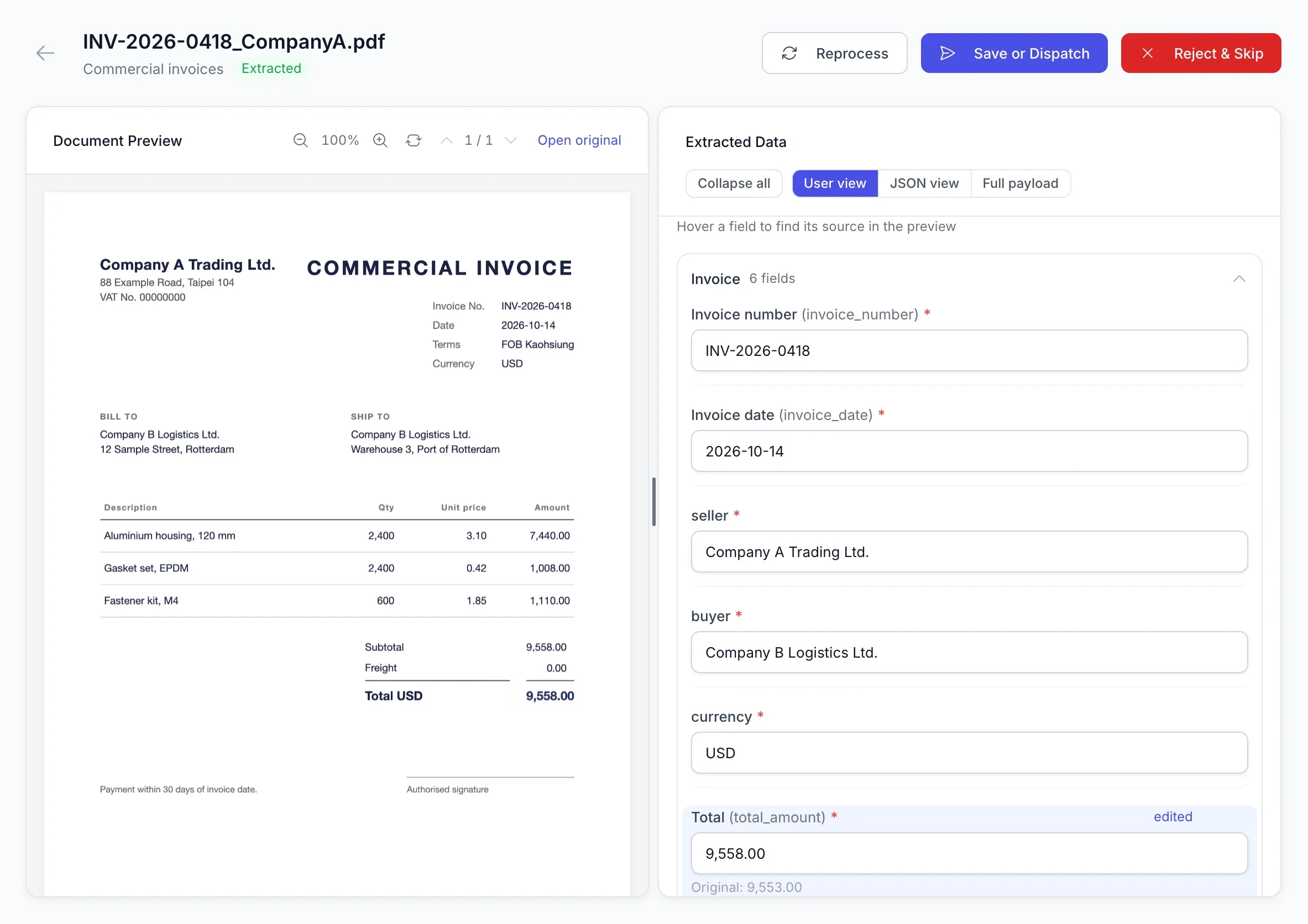
Document AI extracts each field and marks where it found it on the page. A corrected value keeps the original beside it.
Each field shown beside its source on the page.
Every document with its workflow and status.
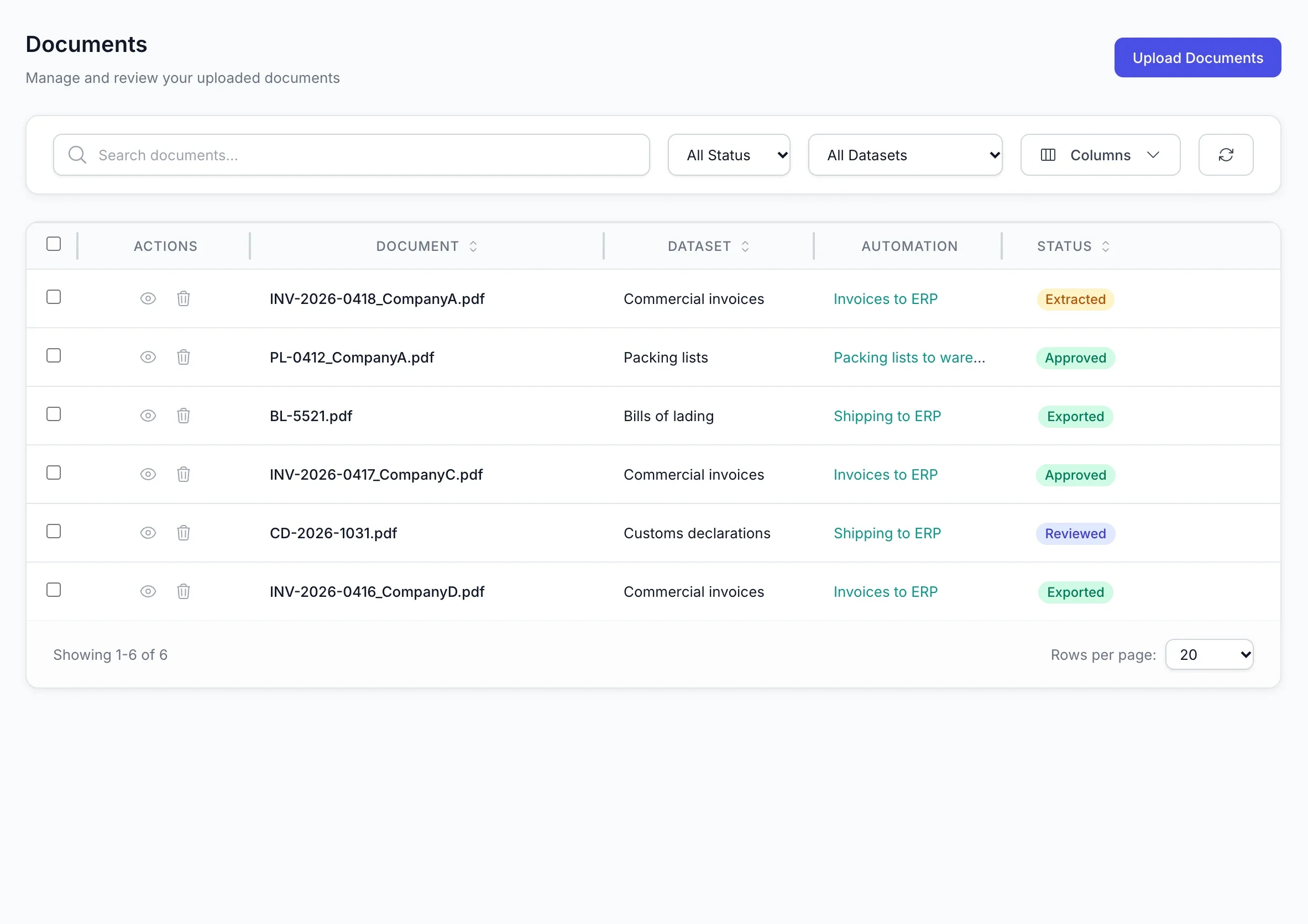
Each workflow sets where a document arrives, who approves it and which system receives the data. Every step is recorded in an audit trail.
| Document types | Commercial invoices, packing lists, bills of lading, customs declarations, air waybills, delivery notes, purchase orders, certificates of origin, receipts |
|---|---|
| File formats | PDF, scanned images, mobile photos, Excel, CSV |
| Input channels | Microsoft 365 email, Telegram, OneDrive, manual upload |
| AI models | Your choice of provider: OpenAI, Azure OpenAI, Google Gemini, Amazon Bedrock, Alibaba Qwen |
| Output | ERP, warehouse and accounting systems, delivered automatically |
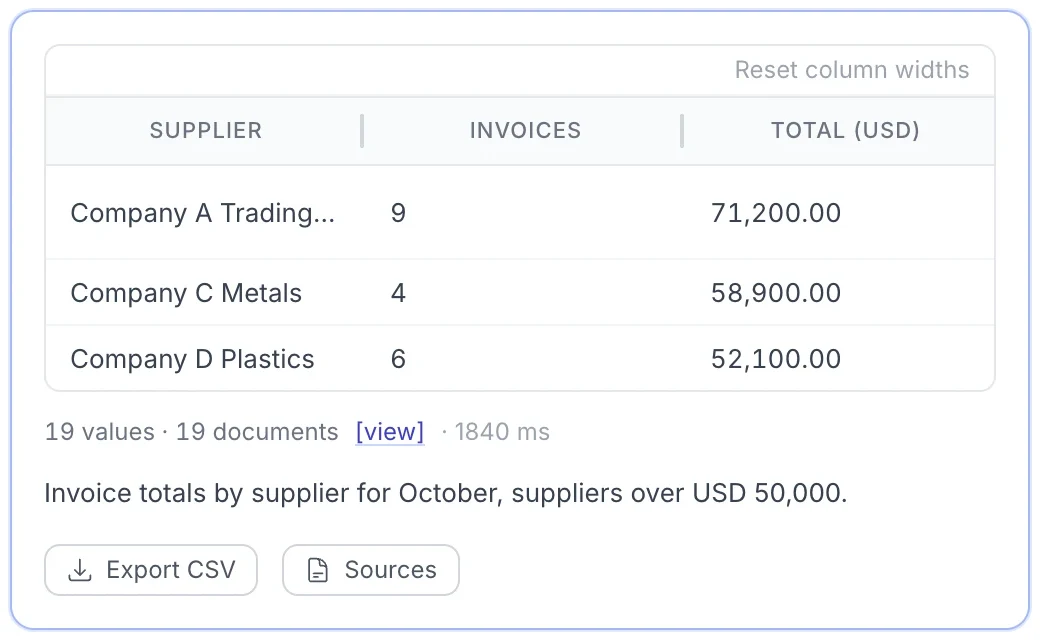
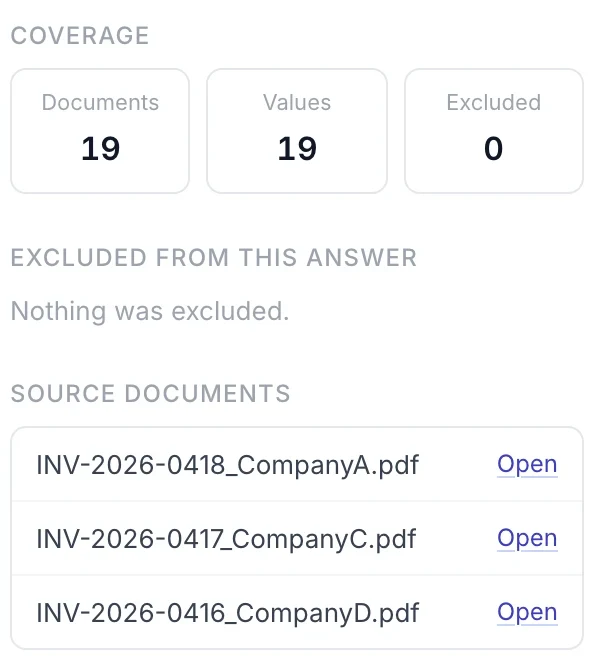
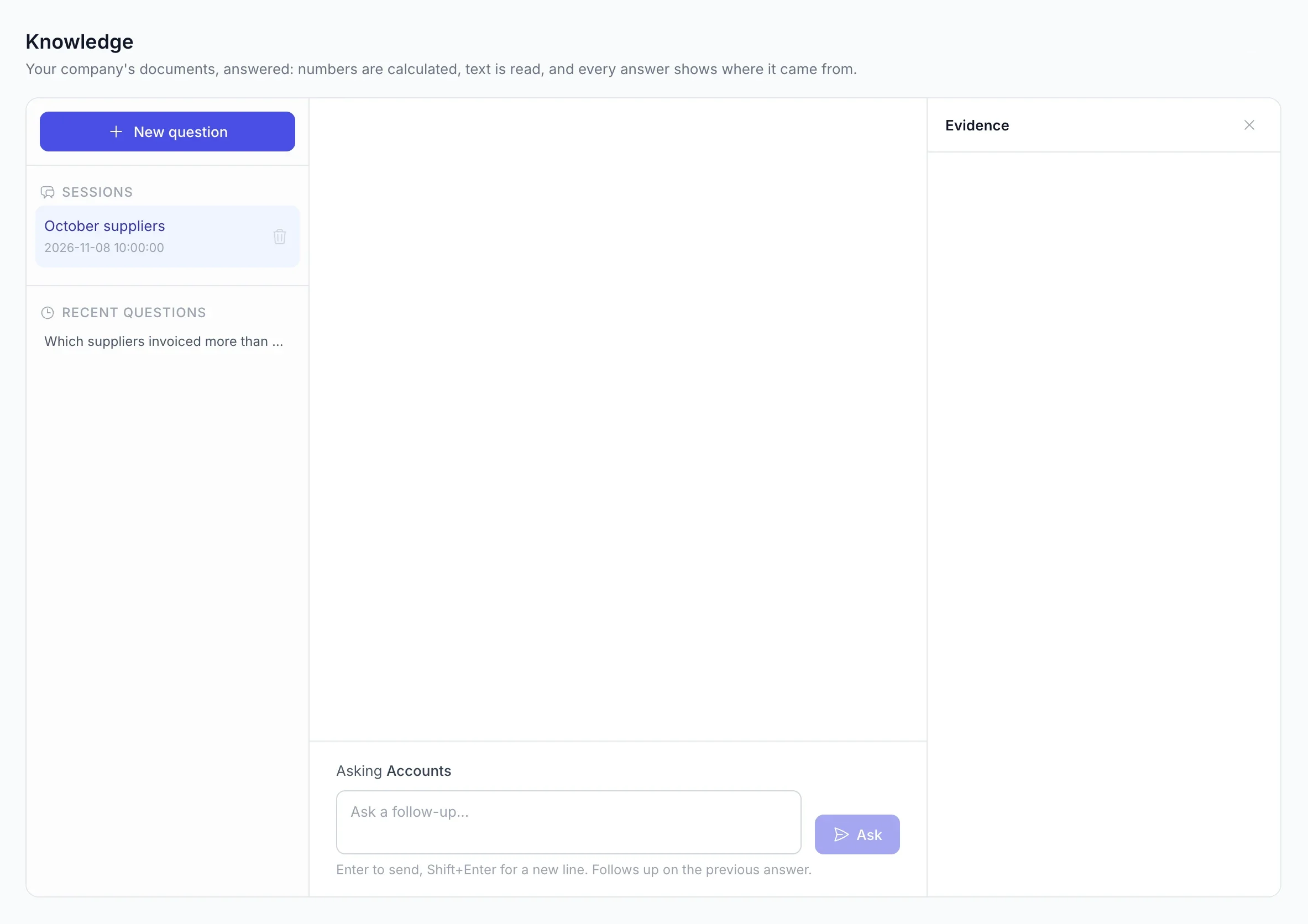
Ask questions in plain language. Every answer comes from your approved documents and cites its sources.
Describe a routine in plain language. Managed AI agents run it on schedule and wait for approval before changing any data.
A lead agent assigns tasks to specialist agents.
Approvals and questions wait in one queue.
Every scheduled run is logged step by step and ends in a report.
No. Define the fields once, or let Docu.1 propose them from a single sample. New layouts are extracted without new templates.
Docu.1 splits it automatically. Each document gets its own fields and review, linked to the original file.
Yes. Each customer is a separate tenant with its own users, documents and usage records, and pages go only to the AI provider you choose.
Tell us which documents you receive and where the data should go. We’ll show you a workflow built for them.
Or email [email protected]